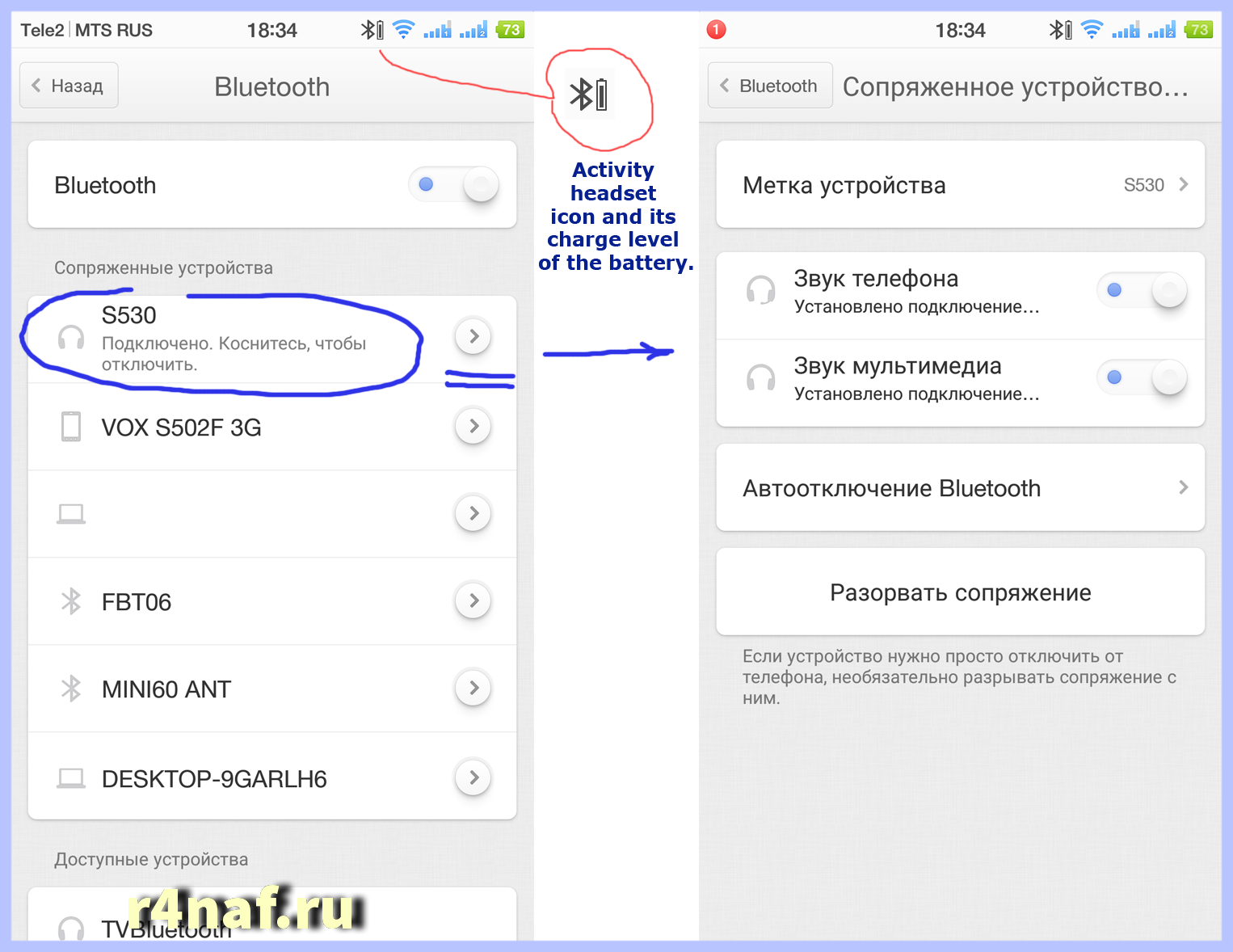
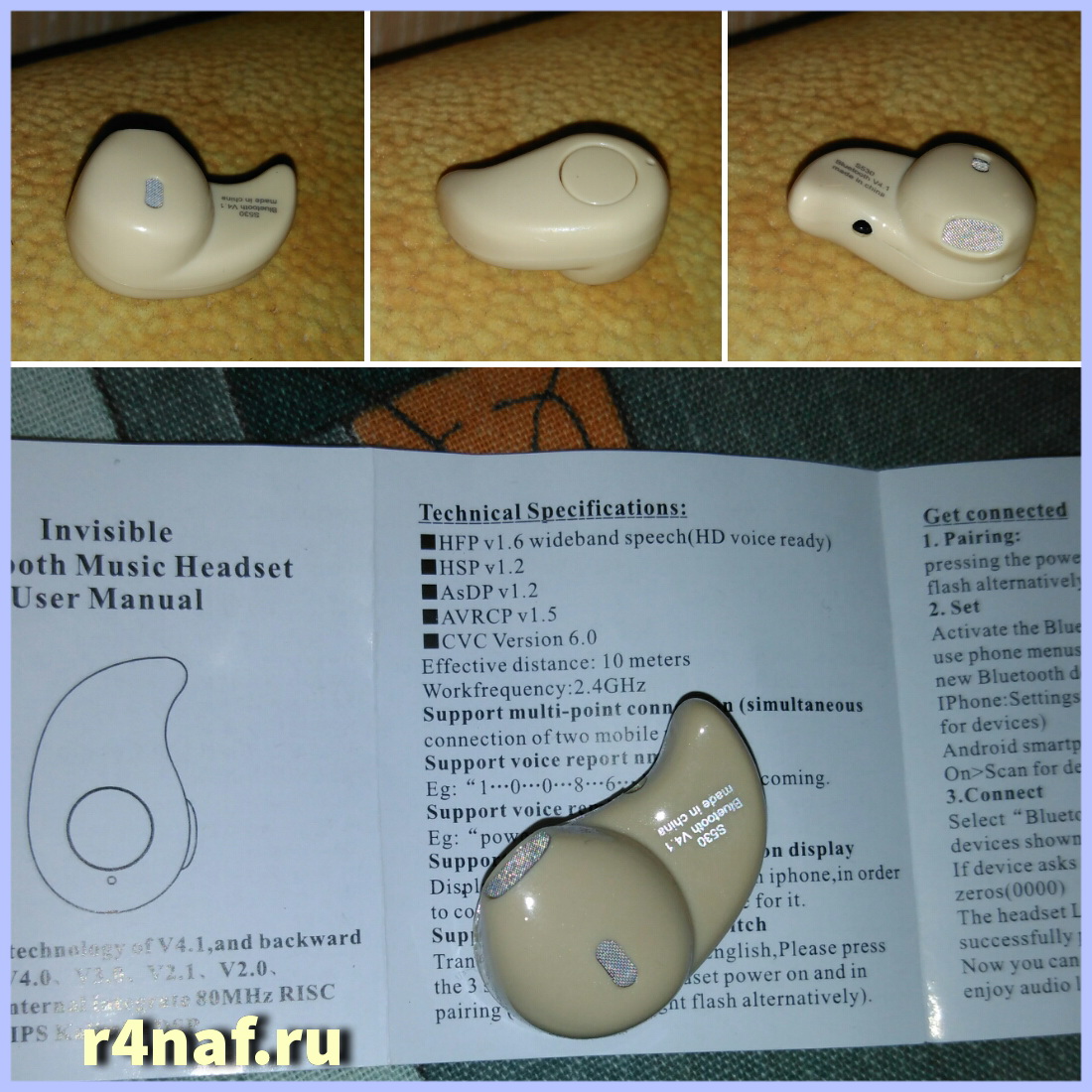
I bought to test wireless Headphones Headset Bluetooth S530 for $ 3. It supports protocols from 1.1 to 4.1. To connect the headset with your smartphone, follow these steps. Charge the headset. Press and hold for 3 seconds the button on the headset. Start flashing red and blue led. At this point, go to the phone and see a list of Bluetooth devices. It should show a device called S530. Connect to this device. In this case you may need to enter a password. The default password – 0000 (4 zeros). Once connected, check the box as in the picture. Your screen may be different from that of the screen on the picture.
The headset is working properly, working on the phone, even on 10 meters. Sound is transmitted as in conventional headphones. Claims to the device is not present. One minus – ear gets tired. The headset is only for adults. The small ear does not fit.